If you’re a cricket fan, you already know — Rohit Sharma wallpapers just hit different
But what if your wallpaper wasn’t just a static image?
👉 What if it moves, feels cinematic, and looks 4K premium on your lock screen?
That’s exactly what we’re going to create today. A Rohit Sharma 4K live wallpaper that looks insane on any phone 📱🔥
⬇️ Download Rohit Sharma Live Wallpaper
Make sure to download in full quality for best experience. (Click 3 Dots and Download this Below Video)
Step-by-Step Tutorial For Iphone and For Andriod at the end of this blog.
- 📥 Step 1: Download the Required App
First, open the App Store on your iPhone.
Download this app:
Video Wallpaper for My Screen –> https://apps.apple.com/in/app/video-wallpaper-for-my-screen/id1497777142
- ⬇️ Step 2: Download the Wallpaper Video
Before continuing, make sure you download the Rohit Sharma 4K Live Wallpaper video.
- 🎬 Step 3: Watch the Tutorial (Optional but Recommended)
We’ve also provided a simple video tutorial to make things easier 👇
- 🔧 Step 4: Convert Video to Live Wallpaper
- Open the app you downloaded
- Import the wallpaper video
- Adjust duration if needed
- Tap Convert to Live Photo
- Save it to your gallery
- Step 5: Go To Gallery/Set as Wallpaper
- Go to Settings/Photos → Wallpaper or Go to Gallery and Open the Saved Live Photo And Click Set as Wallpaper.
- Tap Add New Wallpaper
- Select the Live Photo
- Enable Live Photo option
- Set it as Lock Screen
- Still confused? Check out the YouTube tutorial below 👇
For Andriod User's
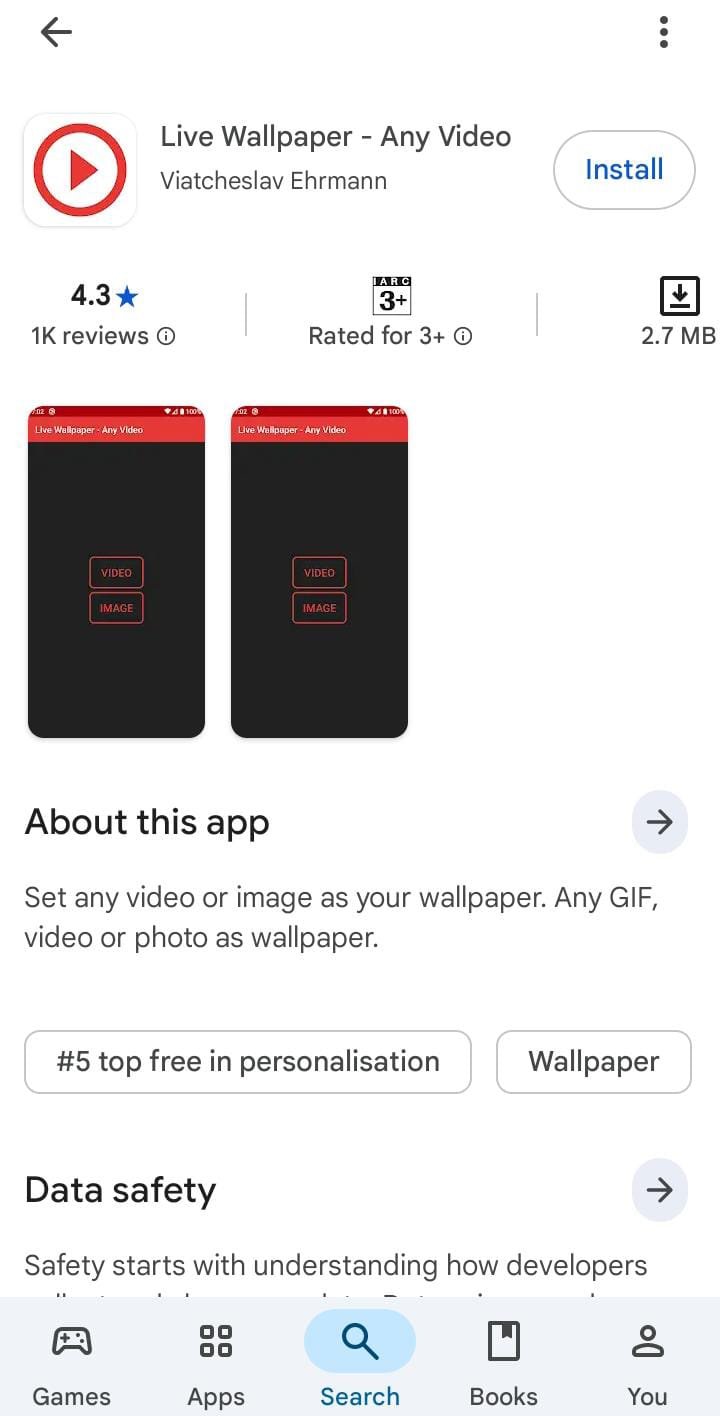
App Link –> https://play.google.com/store/apps/details?id=com.graytsar.livewallpaper
Method 01 : Setting it on Android is easy 👇🔥
Open the link and download the Video 📥
Go to Gallery / Photos
Select the downloaded video
Tap “Set as Wallpaper” or “Live Wallpaper”
Method 2 : ⚠️ If you don’t see that option:
➡️ Install “Video Live Wallpaper” from Play Store
➡️ Open the app & select your downloaded video
➡️ Tap “Set as Wallpaper”
Then you can set it easily 👍
Try it and let me know 💙